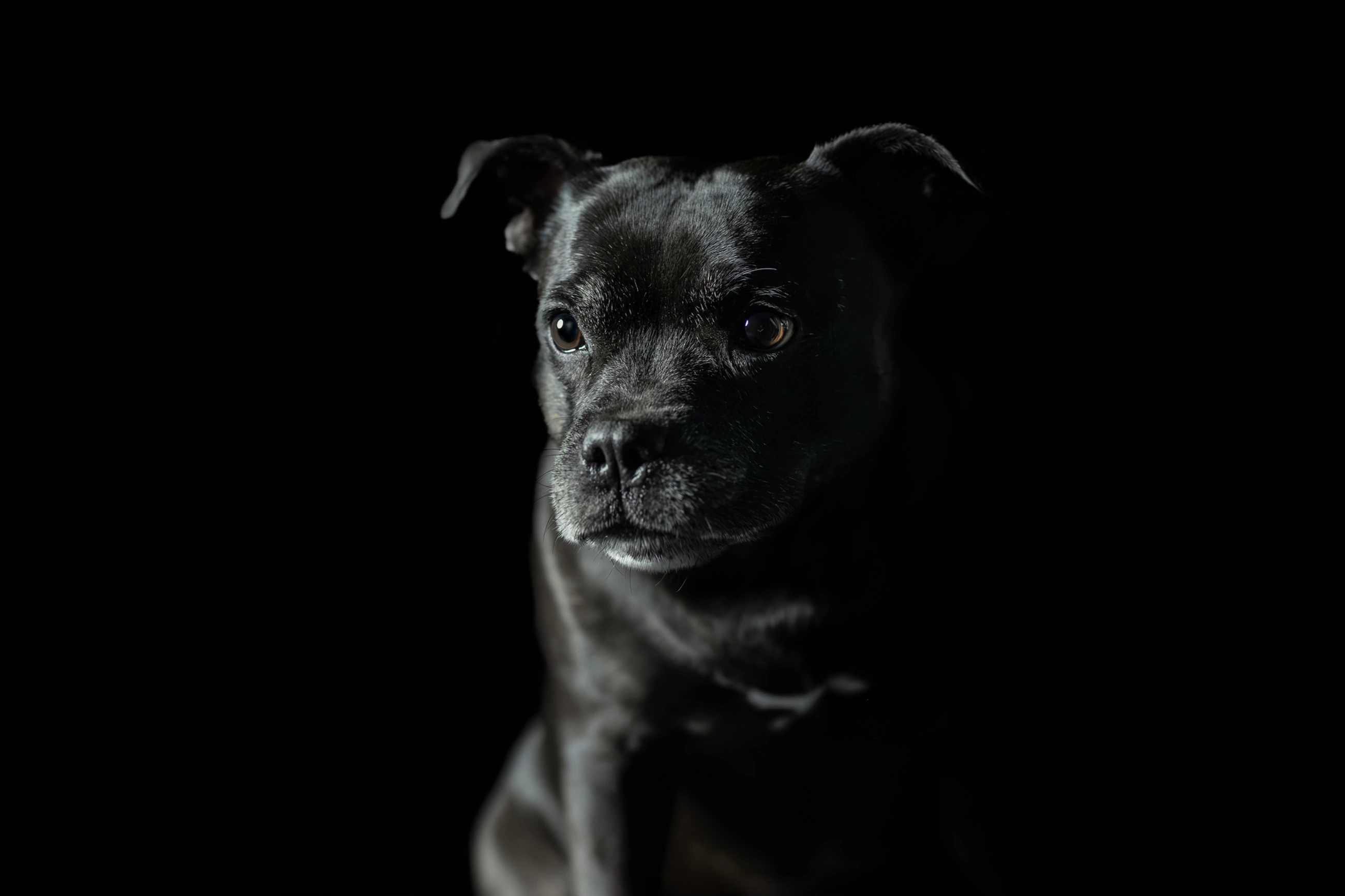

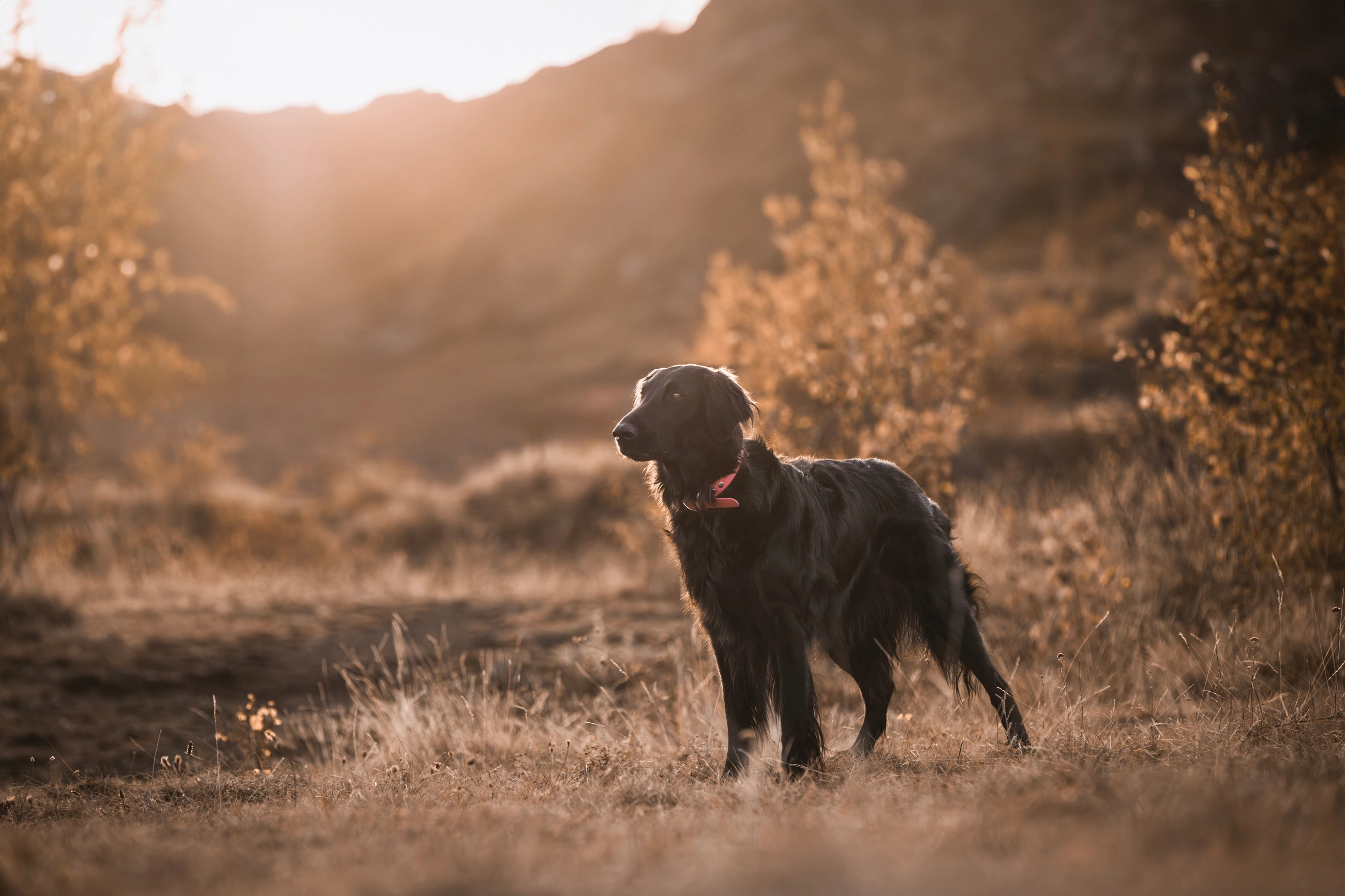
A black dog is not a difficult model. It is just demanding about light. Black fur absorbs most of the light, and neither a camera nor a phone handles that well on its own. Once you understand why, your photos start looking very different.
01Why a black dog turns into a blob
A camera meters light so that the scene comes out averagely bright. A black dog in front of a bright background confuses it: it exposes for the background and the dog sinks into darkness. And when the dog fills the whole frame, the camera does the opposite and turns it grey. Neither is what you want.
02Look for soft light
This is the most important part of the whole article.
- Overcast is ideal. The sky works like a giant softbox and you can see detail in the fur.
- Shade at the edge of a forest or next to a building, with the dog looking out towards the light.
- Morning and early evening, when the sun is low and the light is warm.
- Skip harsh midday sun. The fur on the back shines white and the rest is black.
03Light belongs in the eyes
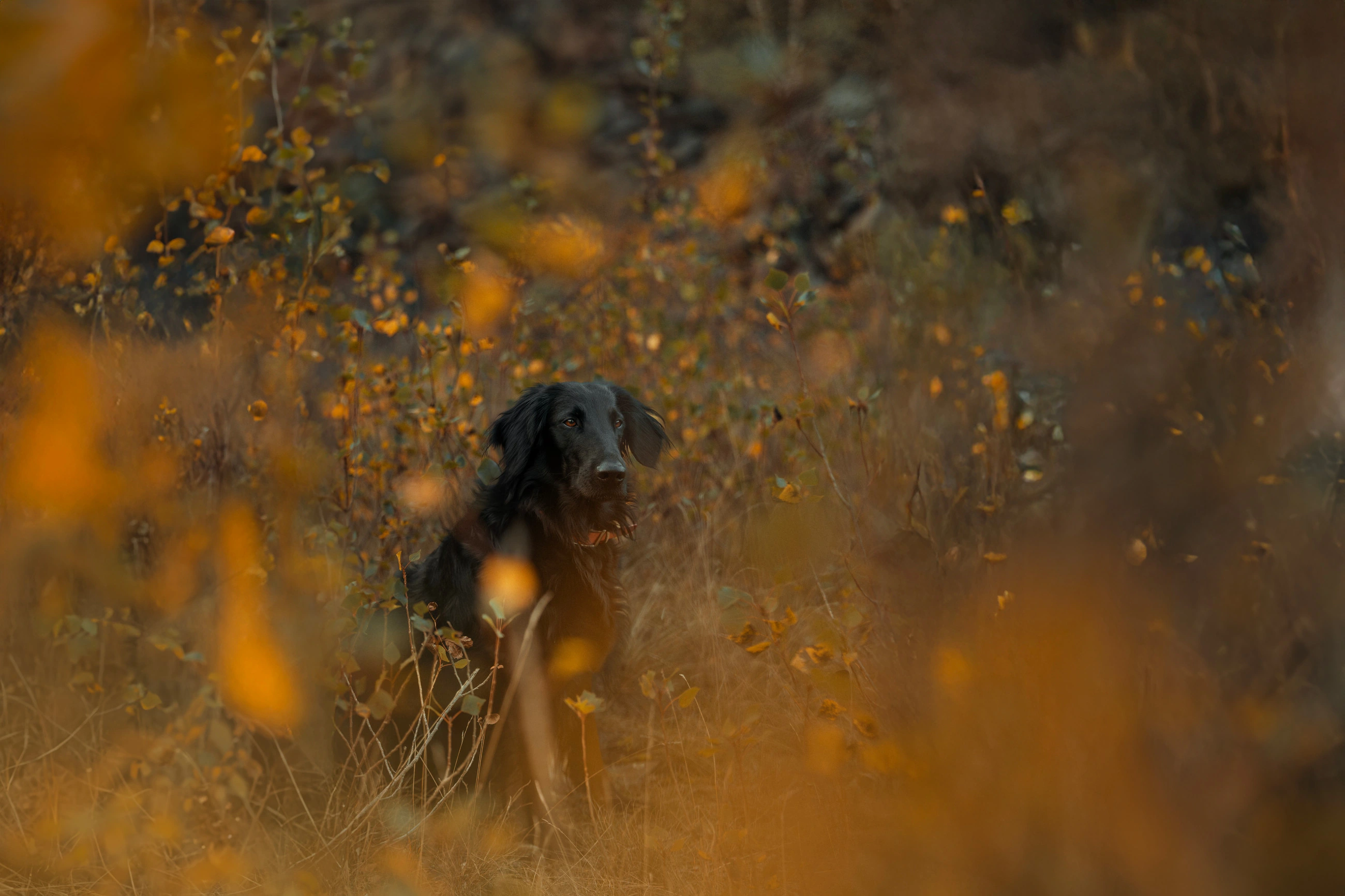
With a black dog, the eyes make the photo. They need a catchlight, otherwise they blend into the fur. Turn the dog's nose towards the light, for example towards open sky or out of the shade. When you see a bright dot in the eyes, you have it.
04Choose the background to suit the dog
A black dog on snow or against a bright sky is the biggest contrast there is, and cameras cope badly with it. Mid-tones work better: greenery, autumn leaves, dry grass, forest. Warm colours also flatter black fur.
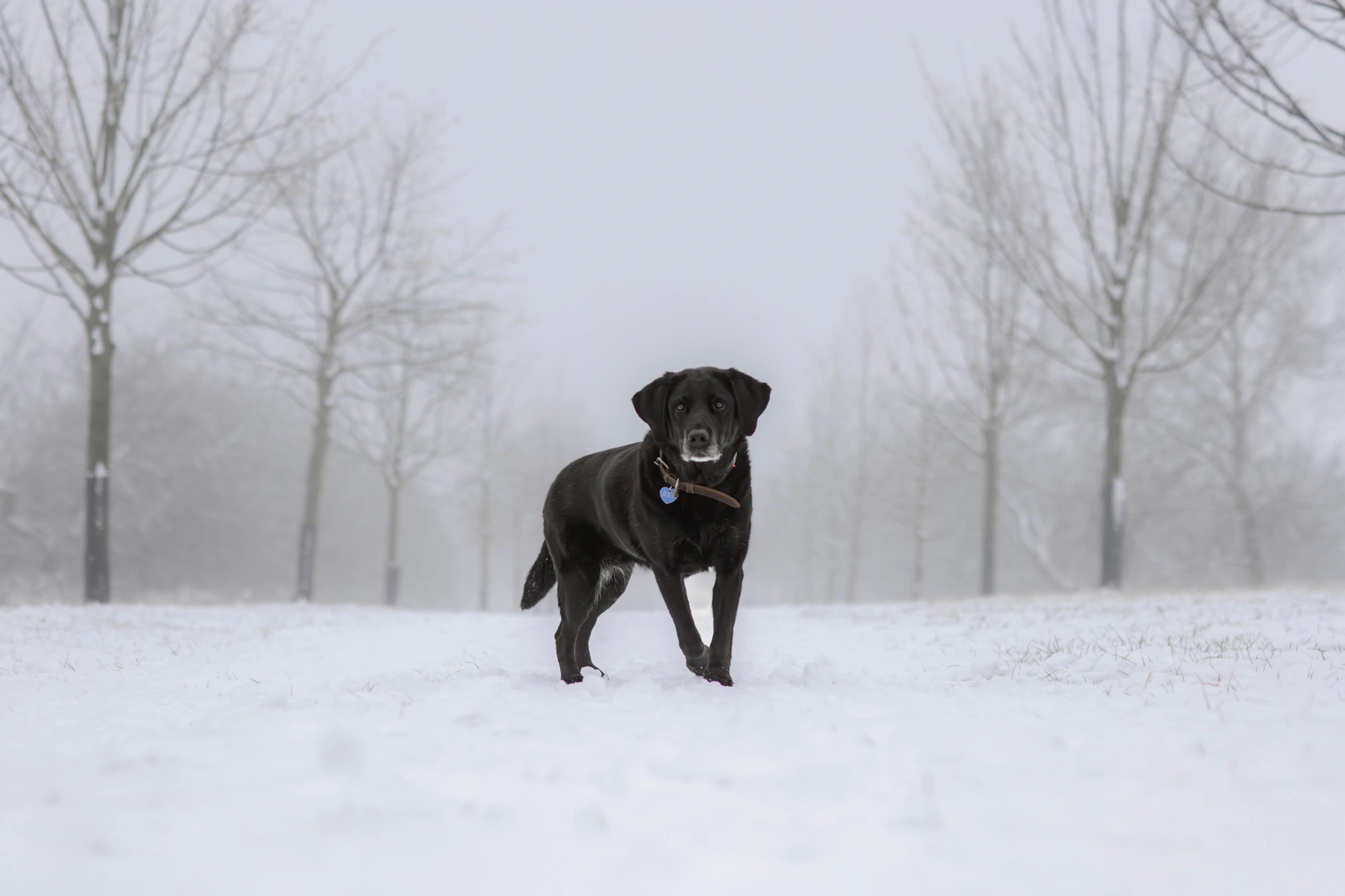
Snow can work, but it needs fog or an overcast sky. In direct sun it is a fight.
05Exposure: watch the shadows
- Shoot RAW if you can. The shadows keep detail that a JPEG will not give back.
- Dog in front of a bright background: add exposure compensation, roughly +0.3 to +1 EV.
- Dog filling the frame or in front of a dark background: reduce it instead, so the fur stays black, not grey.
- Check the histogram. It should not be pressed entirely against the left side.
- Focus on the eye. Autofocus has little to grab in black fur and tends to slip.
06Editing: black should stay black
Lift the shadows in editing, but gently. Fur that is brightened too much goes grey and noisy. Black fur also picks up a blue or purple cast from the sky, so reach for white balance or reduce the blue saturation. The goal is a black dog where you can see every hair.
07With a phone
- Tap on the dog so the phone focuses and meters on it.
- Slide the brightness up or down until you see detail in the fur.
- Shoot outdoors in shade or under an overcast sky. In the living room at night it will not work.
- Turn the flash off. It gives glowing eyes and flat fur.
08A black dog on a black background
It sounds like a bad joke, but it is one of my favourite studio portraits. Light from the side traces the outline of the head and fur, and the rest disappears into the dark. A phone is not enough for this one. It takes a studio and flashes.